

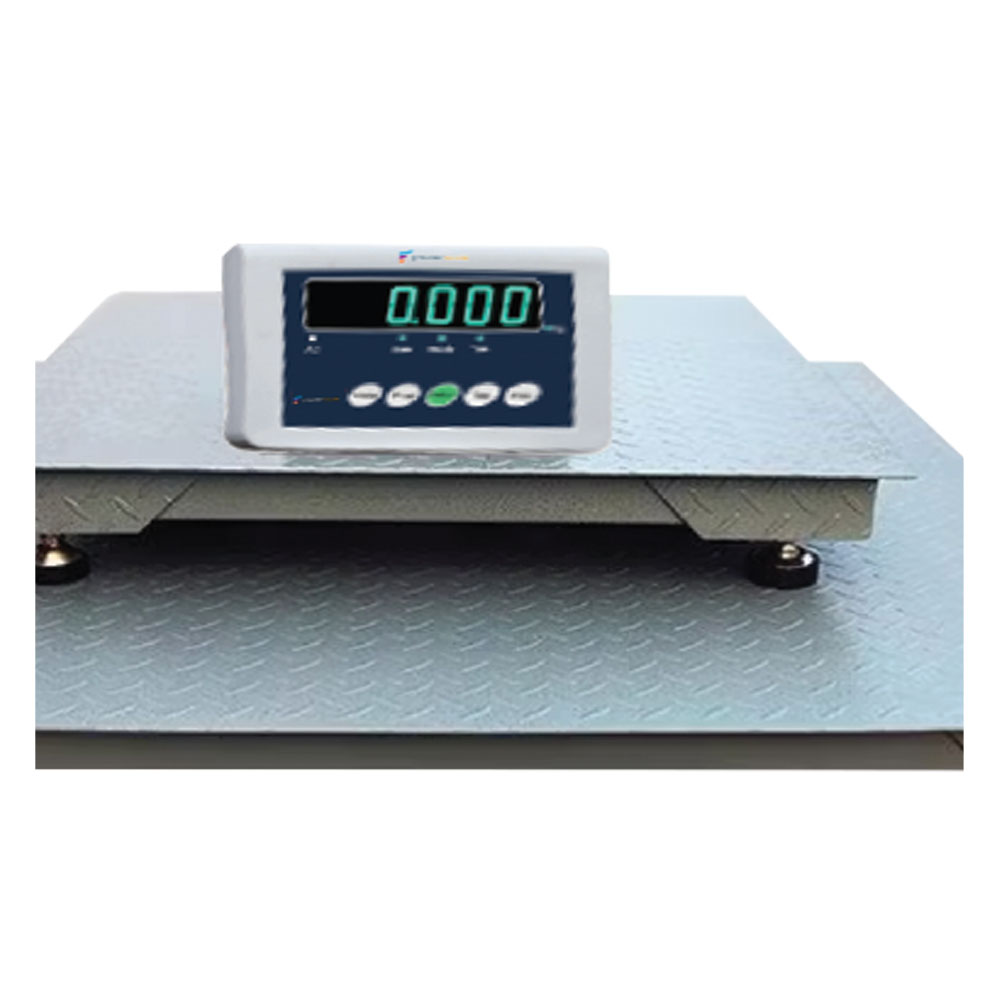
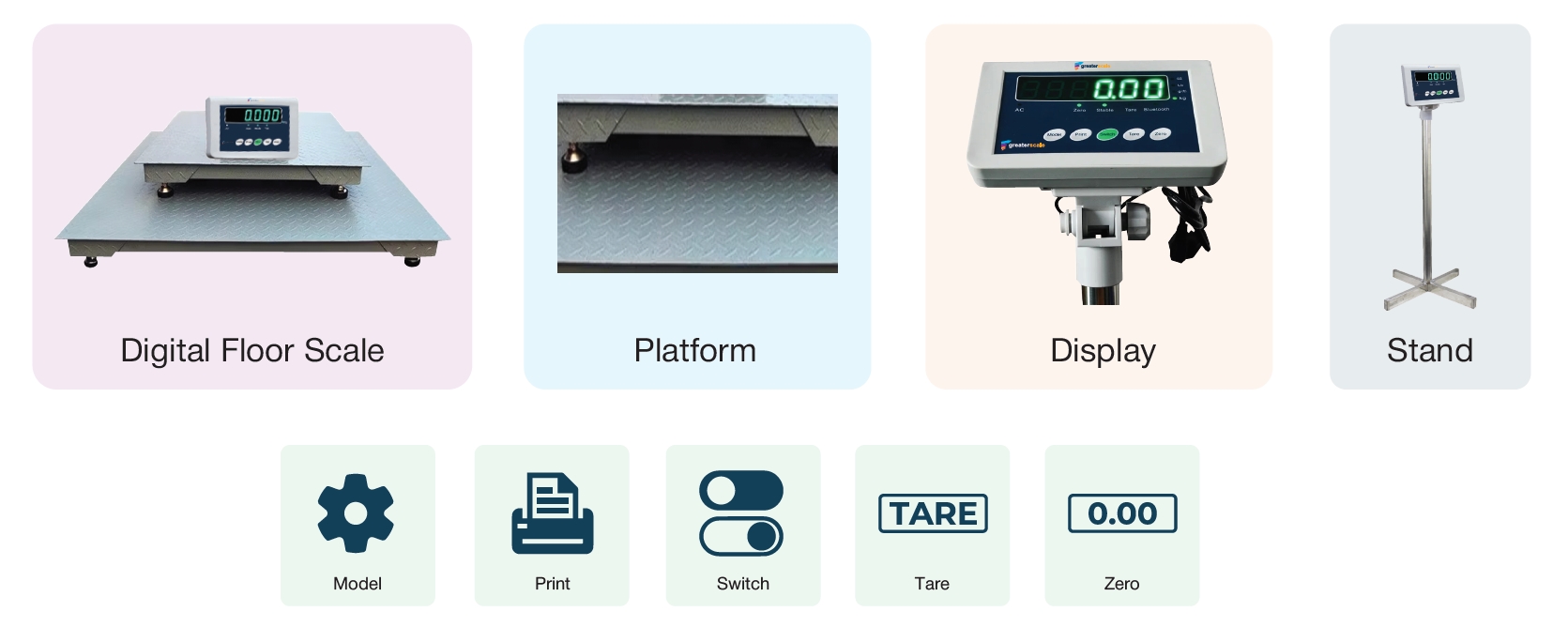
Digital Floor Scale
Features
- Weighing bridge with non-slip chequer plate, lacquered, welded
- Level indicator and leveling feet for precise leveling of the scale
- Easy access to the junction box from the top
- Comfortable leveling of the weighing bridge from the top
- Unit available kg, g, lb, oz, pcs
- Simple calibration
- Counting function
- Print set
Technical Parameter
- Accuracy: Level III
- AD output speed: 10 times / sec. Or 40times/sec
- Internal resolution: ≤24 mega-pixel
- Operation temperature: -10~40°C
- Display: 6 Bits LCD Display
- Data Processing: Advance data processing can react weighing result quickly
- Battery: 6V/4A
- Working voltage: DC:5V
- AC Power: 110-240v
| Model | Capacity | Platform Size | Readability | Division |
| GS-F4040 | 1000Kg | 1000mmx1000mm | 100gm | 3,000e |
| 2000Kg | 200gm | |||
| GS-F4048 | 1000Kg | 1000mmx1200mm | 100gm | 3,000e |
| 2000Kg | 200gm | |||
| GS-F4848 | 1000Kg | 1200mmx1200mm | 100gm | 3,000e |
| 2000Kg | 200gm | |||
| GS-F4860 | 2000Kg | 1200mmx1500mm | 200gm | 3,000e |
| 3000Kg | 300gmC | |||
| GS-F6080 | 2000Kg | 1500mmx1500mm | 300gm | 3,000e |
| 3000Kg | 300gm | |||
| GS-F6096 | 2000Kg | 1500mmx2400mm | 200gm | 3,000e |
| 3000Kg | 300gm | |||
| 5000Kg | 500gm |
Description of Keys Functions
Digital Floor Scale, The keys of the indicator serve as release, and immediate press and release can be effective
- [Model] key: long press this button to enables the indicator into the setting status of feature and parameters, while short press [Model] key to hold or off-peak hold function.
- [Print] key: long press this key to enables into the up-down alarm setting mode, while short press [Print] key can send the serial data, and moreover, in the parameter setting state, the key plays the role of confirmation.
- [Switch] key: short press [Switch] key to enable weighing unit conversion in the indicator, while in the mode of parameter setting, this key is served as digital switching, and in status of digital input, digit is moved to right
- [Tare] key: short click enables peeling of indicatoration, and in status of digital input, digit is increased
- [zero] key: short press [zero] to enables the indicator returned to zero within zero-setting scope, and in status of digital input, digit is reduced
Accessories/Option
- Pit frame
- 1 side ramp or 2 side ramps
- Weighing indicator
- Whole package with
- Weighing indicator inside
- Indicator stands
- Indicator wall mount bracket

Reviews
There are no reviews yet.